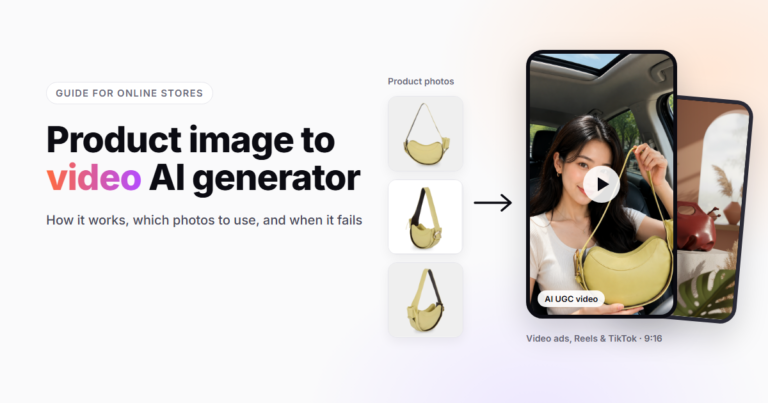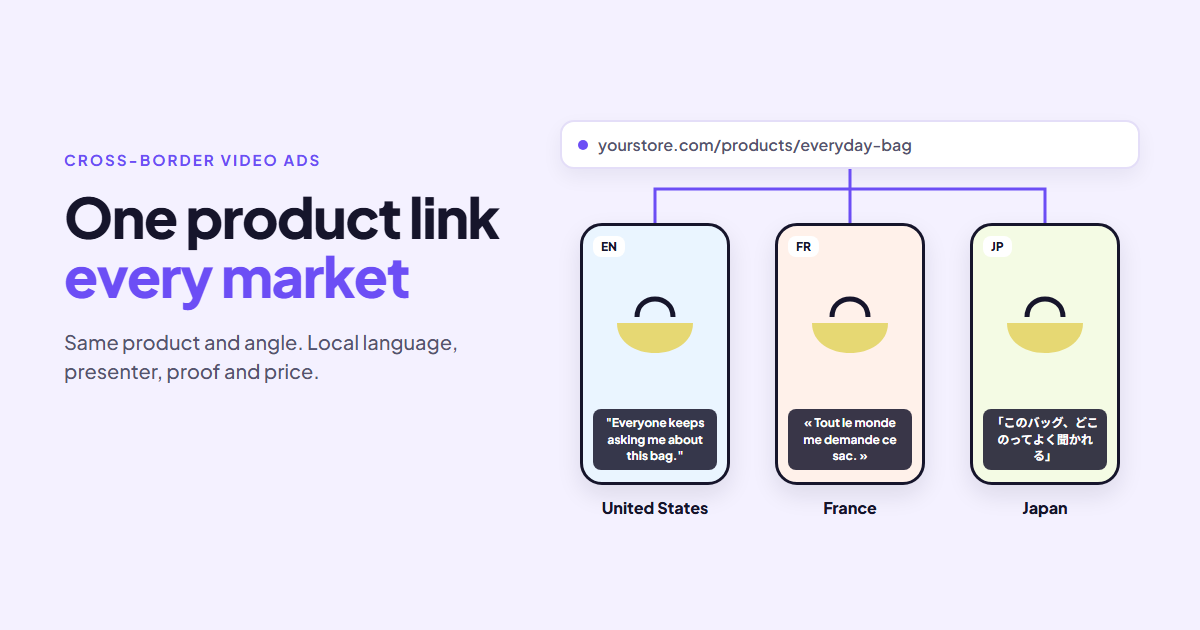
A store that sells in five countries usually advertises like it sells in one. The same English video runs everywhere, sometimes with subtitles added, and the store wonders why France and Japan convert worse than the US. Translating the store was the easy part. The ads never caught up.
Localized video ads change more than the language. The creator, the proof, the price, and the reason to buy can all shift from market to market. The good news is that you no longer need a separate shoot for each country: tools that turn a product URL into a video ad can write the script in the shopper’s language and cast a presenter who fits the market. This guide covers what to localize, in what order, and how to keep it manageable.
Key takeaways
- Subtitles are translation. Localization means the video feels made for that market.
- Localize the markets that already show demand first. Your store data tells you which ones.
- The spoken language and the presenter matter most. Then proof, price, and cultural details.
- Keep one product, one angle, and one structure, and change the local layer on top.
- Have a native speaker check every script before it runs.
Translation vs localization in video ads
Translating a video ad means replacing the words. Localizing it means asking whether a shopper in that market would believe the video was made for them.
| Element | Translated ad | Localized ad |
|---|---|---|
| Language | Subtitles over English audio | Script written and spoken in the local language |
| Presenter | Same creator everywhere | Creator a local shopper relates to |
| Proof | US reviews, US press | Reviews or use cases from that market |
| Price | USD, or a converted number | Local currency with local price endings |
| Details | Original setting and references | Seasons, holidays, units, and habits that fit |
Shoppers notice the difference. A video in their own language, with a presenter who could be their neighbor, reads as a recommendation. A subtitled foreign ad reads as an import.
Step 1: Choose which markets to localize first
Don’t localize for every market at once. Start where people already show interest.
Look at which languages and countries bring visitors, add-to-carts, and orders even without targeted ads. If you use Transcy, its language metrics show which translated languages bring revenue; this post on how Transcy reveals profitable languages explains how to read them. Markets with steady organic sales and weak ad results are usually the best candidates, because the demand is there and the ads are what’s missing.
Pick two or three markets for the first round. That is enough to learn what localizing changes, without multiplying your workload.
Step 2: Keep the core, change the local layer
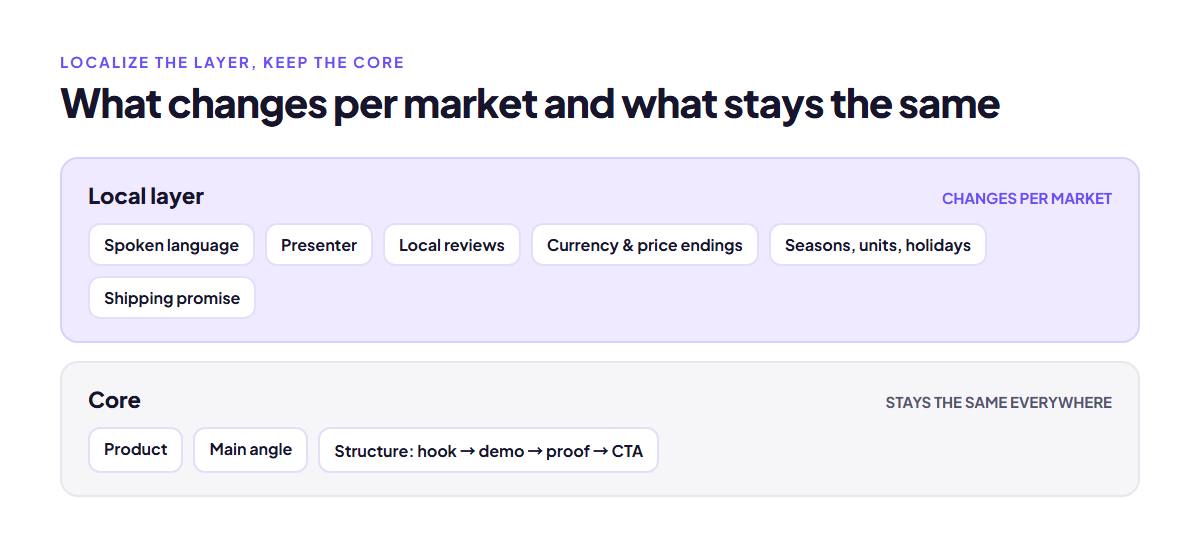
Treat every localized video as two layers.
- The core, which stays the same everywhere: the product, the main angle, and the structure of the video (hook, demo, proof, call to action).
- The local layer, which changes per market: spoken language, presenter, proof, price, and small cultural details.
Keeping the core fixed is what makes this manageable. It also makes the results comparable. If the French version underperforms, you know the angle has already worked elsewhere, so the problem is likely in the local layer.
Step 3: Localize the script and the presenter
This is where most of the gain is. Have the script written in the target language from the start rather than translated word for word, so hooks and phrasing sound natural. Wordplay rarely survives translation, and a hook that works in English can sound odd in German.
Then pick a presenter who fits. That doesn’t mean guessing at stereotypes. It means a creator whose age, style, and setting match the buyers you see in that market’s store data.
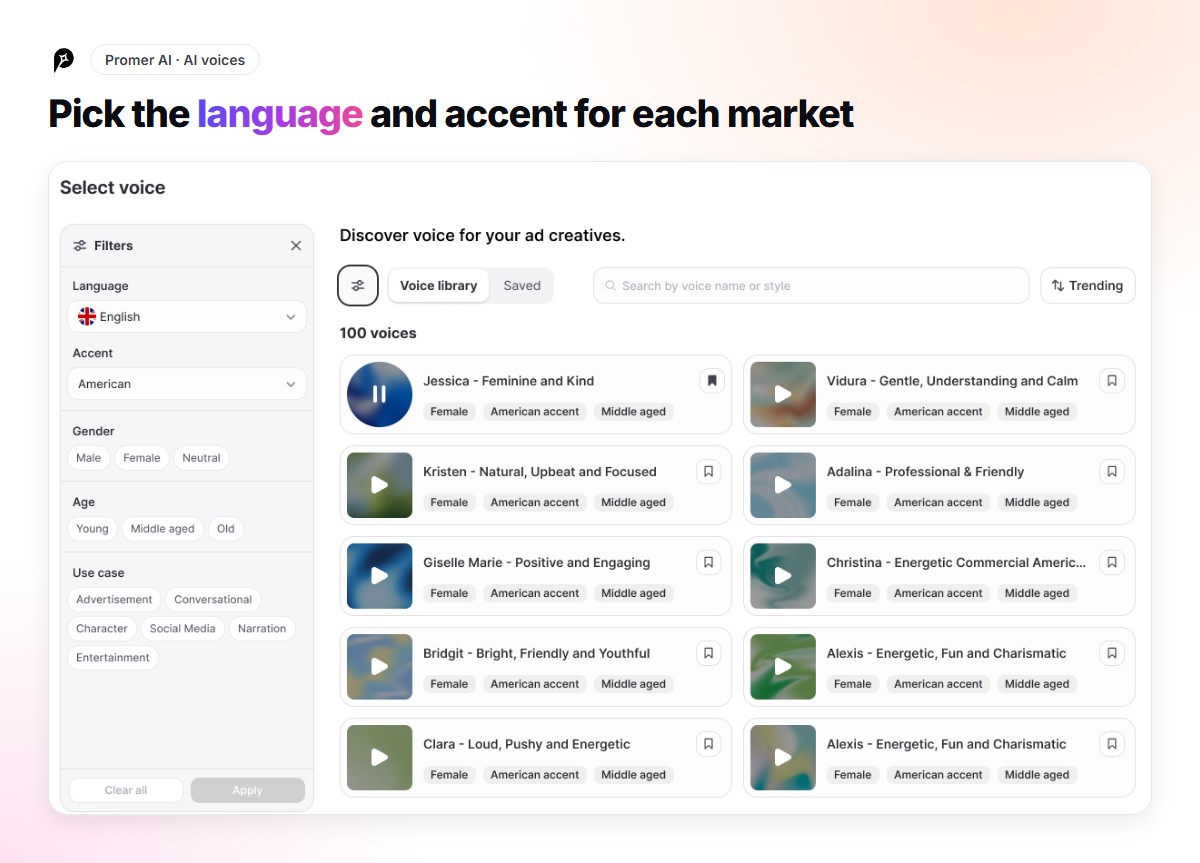
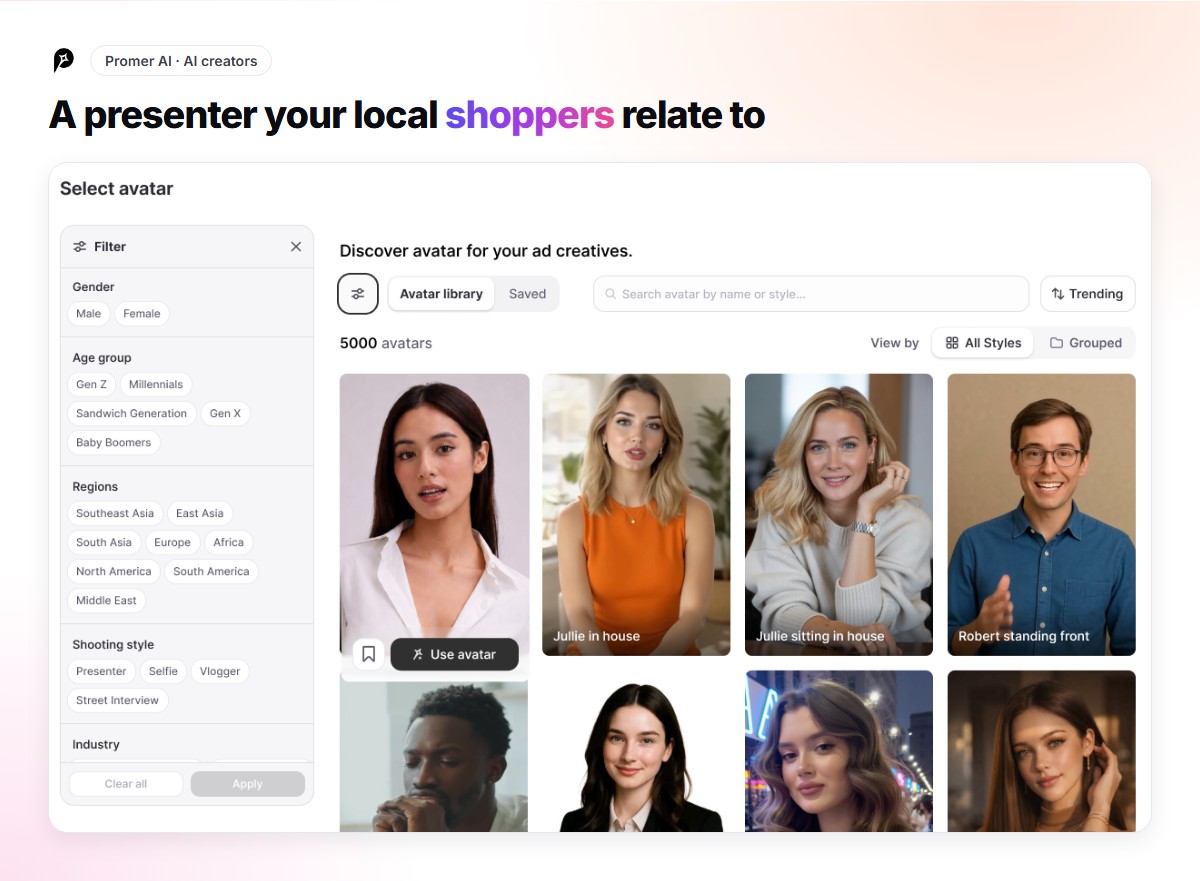
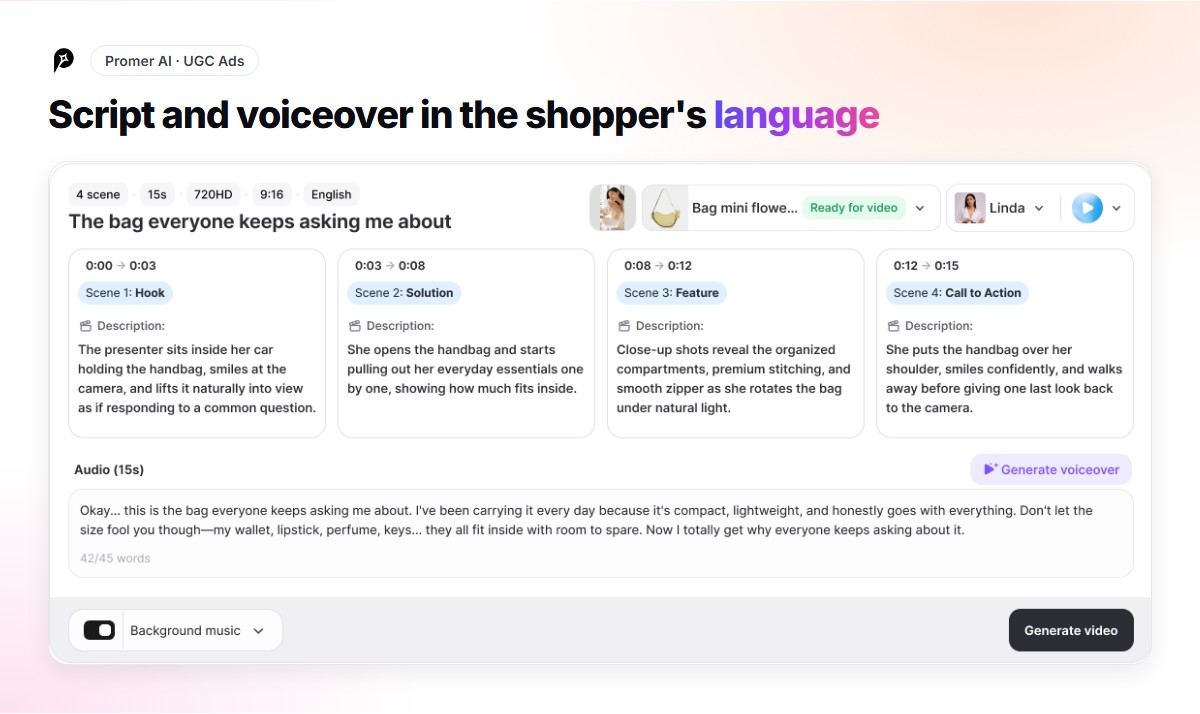
Promer AI handles both from the product link. Paste a public product page and it pulls the name, images, description, and price. You then choose an AI creator from more than 5,000, filtered by gender, age, region, and shooting style, and a voice from more than 15,000, filtered by language and accent. The script is written in the language you pick, and you can edit any line before the video is generated.
Step 4: Localize the visuals and the proof
Small visual details can make a video feel foreign: summer clothes in a winter market, a US-style kitchen, a measuring cup where locals use grams. Check every scene for these before you generate.
If your product page photos were shot for one market, you may need extra product views for others, such as a different color that sells better there or the product in a setting that fits. For short motion clips built from those photos, like a Story or a product page loop, a product image to video AI tool can animate a still image without a new shoot.
Proof should be local too. A review from a customer in the same country carries more weight than one from abroad. If you collect reviews with an app like Ali Reviews, filter by country and use those lines in the script or on screen, with the customer’s permission where needed.
Step 5: Localize the offer
Show prices in local currency and follow local price habits. Make sure the call to action fits how people buy there. Shipping times and free shipping thresholds often matter more to cross-border shoppers than a discount, so say them clearly if they’re competitive.
Line up campaigns with local shopping dates rather than only US ones. Singles’ Day, the January sales in the UK and France, and Golden Week in Japan all change when a video should run and what it should say.
Step 6: Check, launch, and compare
Before anything runs:
- A native speaker has read the script and the captions.
- Prices, currency, and units match the market.
- Claims meet the market’s ad rules. Some markets are stricter on health and before-and-after claims.
- The landing page is translated and shows the same price as the video.
- The product shown matches what that market will receive.
Then run each market’s localized video against its current ad, with the same budget, over the same window. Compare cost per purchase within each market, not across markets, since costs vary a lot by country.
Common mistakes with localized video ads
- Subtitling and calling it done. It’s better than nothing, but it’s still a foreign ad.
- Machine-translating the script without review. One awkward line can make the whole video look like a scam.
- Sending traffic to an untranslated page. A localized ad that lands on an English checkout loses the shopper at the worst moment.
- Localizing every market at once. You spread the budget too thin to learn anything.
- Changing the angle and the language together. Then you don’t know which change moved the numbers.
FAQ: Localized video ads
What is the difference between translating and localizing a video ad?
Translating changes the words, usually with subtitles. Localizing also adapts the spoken language, the presenter, the proof, the price, and cultural details so the ad feels made for that market.
Do I need a new video shoot for each country?
Not anymore. AI video tools can generate a version of the same ad in another language with a different presenter and voice, starting from your product link or product photos.
Which markets should I localize video ads for first?
Start with markets that already bring visitors and orders without targeted ads. Your store analytics and your translation app’s language data are the best guides.
Can AI write video ad scripts in other languages?
Yes, and they’re usually a good starting draft. Have a native speaker review every script before it runs, especially the hook and any product claims.
Cross-border stores often spend months translating their storefront and then send traffic to it with ads that were never adapted. Localizing the video is the next step, and starting each version from the same product link keeps the extra work small, even when you add another market.