

Studies have shown that people 80% of what they see and 20% of what they read. Therefore, product photography plays an important role in the eCommerce business.
Additionally, Google Lens has become more popular and common nowadays, allowing its users to drag or snap a picture of clothes, home decor, or furniture without describing it in words in the search box. And customers expect an almost in-store experience when shopping online.
The same thing goes for selling on Shopify!
Shopify product image sizes also play a very important role while you are operating online. Besides, Shopify also has a few words when talking about the product image sizes:
When it comes to choosing file types and dimensions for your images, keep in mind quality, page load times, zooming capability, and marketplace requirements, especially if you are selling on multiple platforms.
Shopify always tries to bring the best eCommerce experience to their merchants by suggesting ways to improve their eCommerce site’s performance and loading speeds.
All of the Shopify product images you should know
For the best results, Shopify encourages its users to choose the right dimensions for the images for their brand. The image should not be too large as it can slow down the website’s loading speed and leads to a poor experience for your customers.
You can upload images up to the resolution of 4427 x 4427 pixels with a size of 20 MB maximum. Moreover, Shopify will automatically change the size of your images to make them compatible with mobile phone users. However, some special or different image cases will require manual editing.

Learn all of the Shopify images and sizes before uploading
Here are the image sizes for uploading to Shopify:
- Slideshow image size: Shopify’s recommendation for slideshow image size is from 1200 to 2000 pixels in width, and the height is from 400 to 600 pixels.
- Collection image size: There are no specific limitations to the size of these images. However, Shopify suggests that 2048 x 2048 is the recommended size for square images.
- Product image size: Similar to the collection image size, you can upload images of any size, up to 4427 x 4427 pixels with a file size of up to 20 MB. Still, 2048 x 2048 is the most recommended size for square product photos.
- Featured promotions: This is a feature that belongs to Out of the Sandbox, one of the most popular, and it is an award-winning theme of Shopify. This featured promotions section can attract customers’ attention and lead them to specific content in your shop.
- Gallery: The gallery page can contain images, videos, and other media types based on your preference. Therefore, through your gallery page, customers can browse your products and their images easily.
Besides the above Shopify product image sizes and types, you should also learn all Shopify image formats. Image formats mean how you organize or store digital images. Shopify supports the image formats as follows: JPEG or JPG, Progressive JEG, PNG, and GIF.
In case you upload your image in a format that Shopify does not support, it will automatically convert it to the supported format.
Best free tools for optimizing Shopify product image sizes
Now that you have known the importance of proper-sized pictures on Shopify, it’s time you pay more attention to optimizing these images can be challenging, especially for new and startup business entrepreneurs.
Although Shopify has an automatically optimizing mechanism, it is always better to do it yourself or use these best tools to optimize Shopify product image sizes.
1. Photo Resize by Pixc
Photo Resize will replace all of your product photos with correctly sized ones. Moreover, it also offers 50 first images for free.

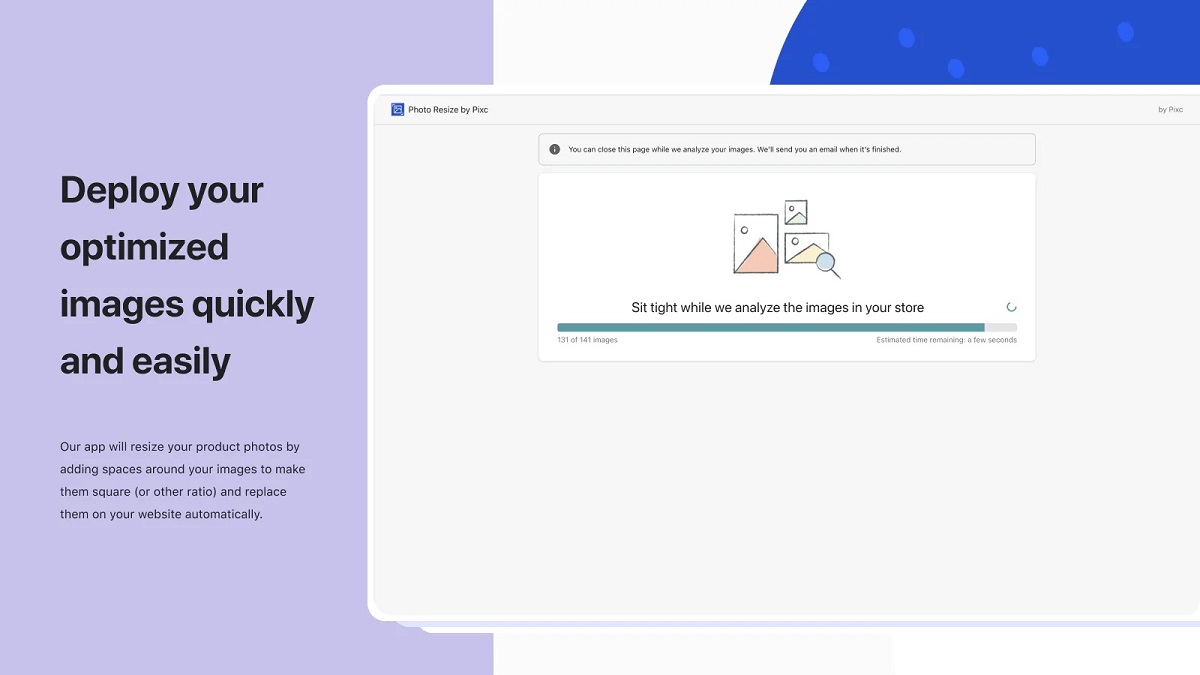
You can optimize Shopify product image sizes with this Photo Resize
With this application, you can choose a square, landscape, portrait, or background color according to your theme. Additionally, this app runs in the background to resize your images automatically while you are working on other things.
2. SpurIT SEO Image Optimizer by SpurIT UAB
This is one of the tools to help you optimize and resize your Shopify product image sizes. Besides, the best feature of SEO Image Optimizer & Resizer is to help rank higher on Google Image Search.

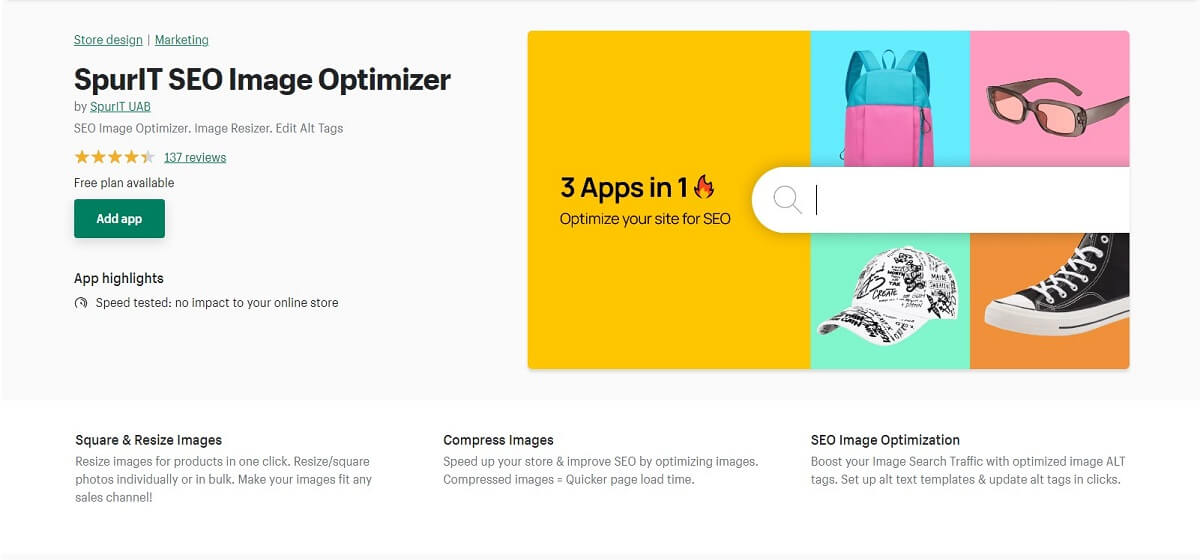
Optimize and resize your Shopify product images
It also improves your website’s loading speed in a short time and helps you save lots of time and money. Additionally, you will get an image resizer, photo size compression, and an image alt text optimization tool combined in one single app.
3. Bulk Image Edit
Bulk Image Edit is a great and quick Shopify tool for big sales, including Black Fridays, Cyber Mondays, and more, and works best to increase your sales. Moreover, it is an extraordinary tool for reducing your Shopify product image sizes without losing any visible image quality.
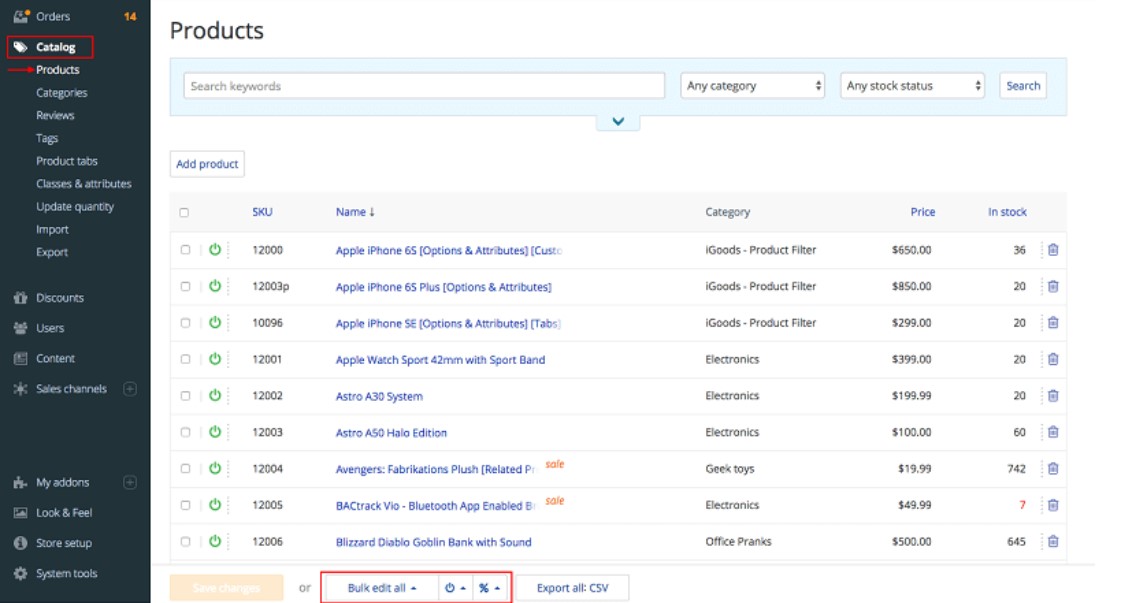

Besides, this tool also helps you reach your targeted audiences efficiently and keep your images in uniform sizes for an organized site.
4. PixPix Image Editor
PixPix is an easy-to-use app providing various image editing features for all online merchants. With it, you can directly open a product from your product details page under Shopify’s admin section. Additionally, you can crop and resize your Shopify product image sizes to suit your store theme.
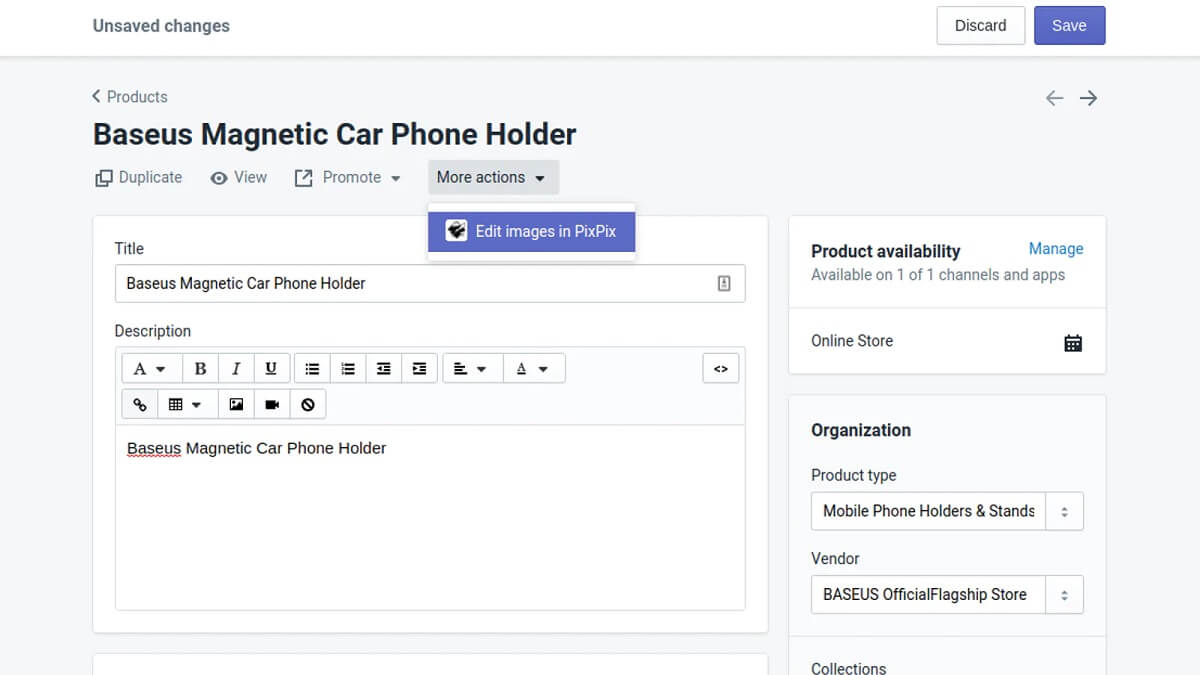
PixPix can your best tool for photo editing and resizing
You can also change the orientation, color, and brightness through PixPix. And, you can even upload or delete images in bulk as well.
5. Super Watermarks – Badges by 2B I/O
This is an advanced app that let you create labels, badges, and stickers and then add them to your store. Normally, these labels and stickers are used for big sales and campaigns such as Cyber Mondays.
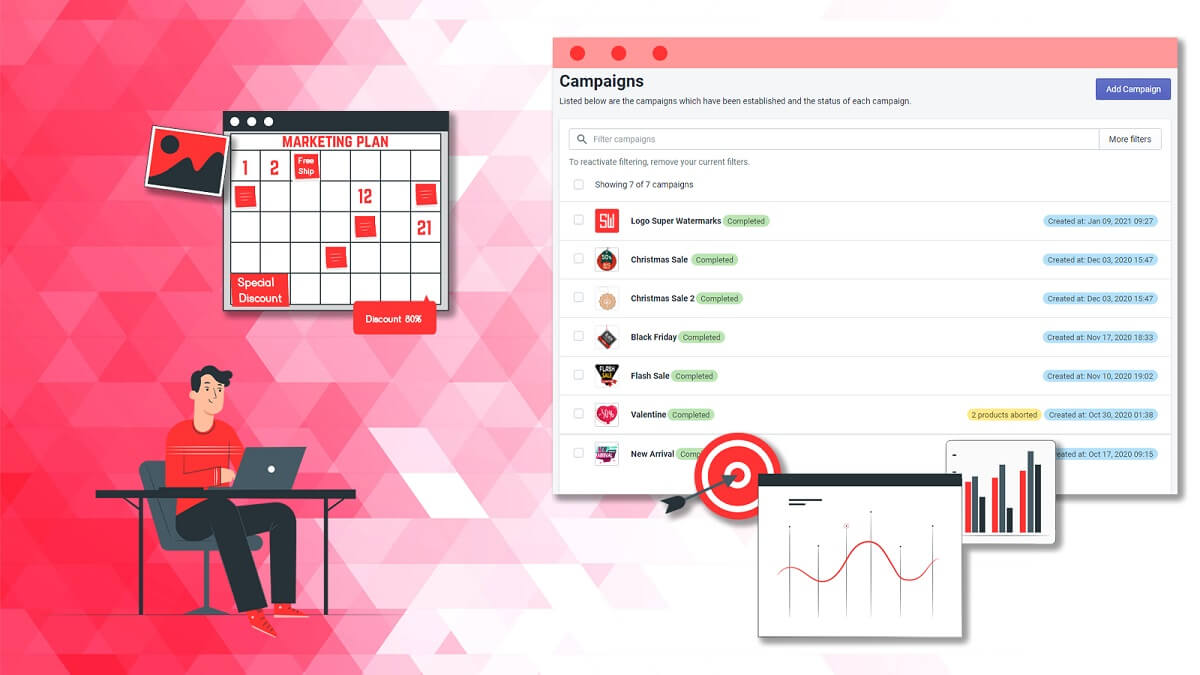
This can be one of the best Shopify apps for optimizing your Shopify product image sizes
With Super Watermarks, you can personalize these labels and badges for the upcoming event. Therefore, it can be very useful in boosting your sales as you can use these stickers, badges, and labels to attract more customers.
The best practices for using Shopify image
Besides the Shopify product image sizes, you should also learn the practices of using these Shopify images effectively:
- Product-only images: These images usually have a white background with no designs, solely focusing on the product itself.
- Lifestyle images: These images often include people in the pictures, advertising your product in a life-related activity.
- Product-in-use images: This kind of image shows how customers use your product(s), helping your audience understand your product’s usage.
Final words
Having good-quality and uncomplicated images on your eCommerce website plays an important role in your sales as these pictures are what make customers trust you and your brand. Therefore, you should also keep an eye on Shopify product image sizes, optimizing them to advertise your products in the best and simplest way.
Last but not least, you should always remember to invest in good photography while establishing your eCommerce business. You cannot boost more sales if your product images do not live up to the hype, no matter how well-optimized and well-organized they are.